Best For
Key Features
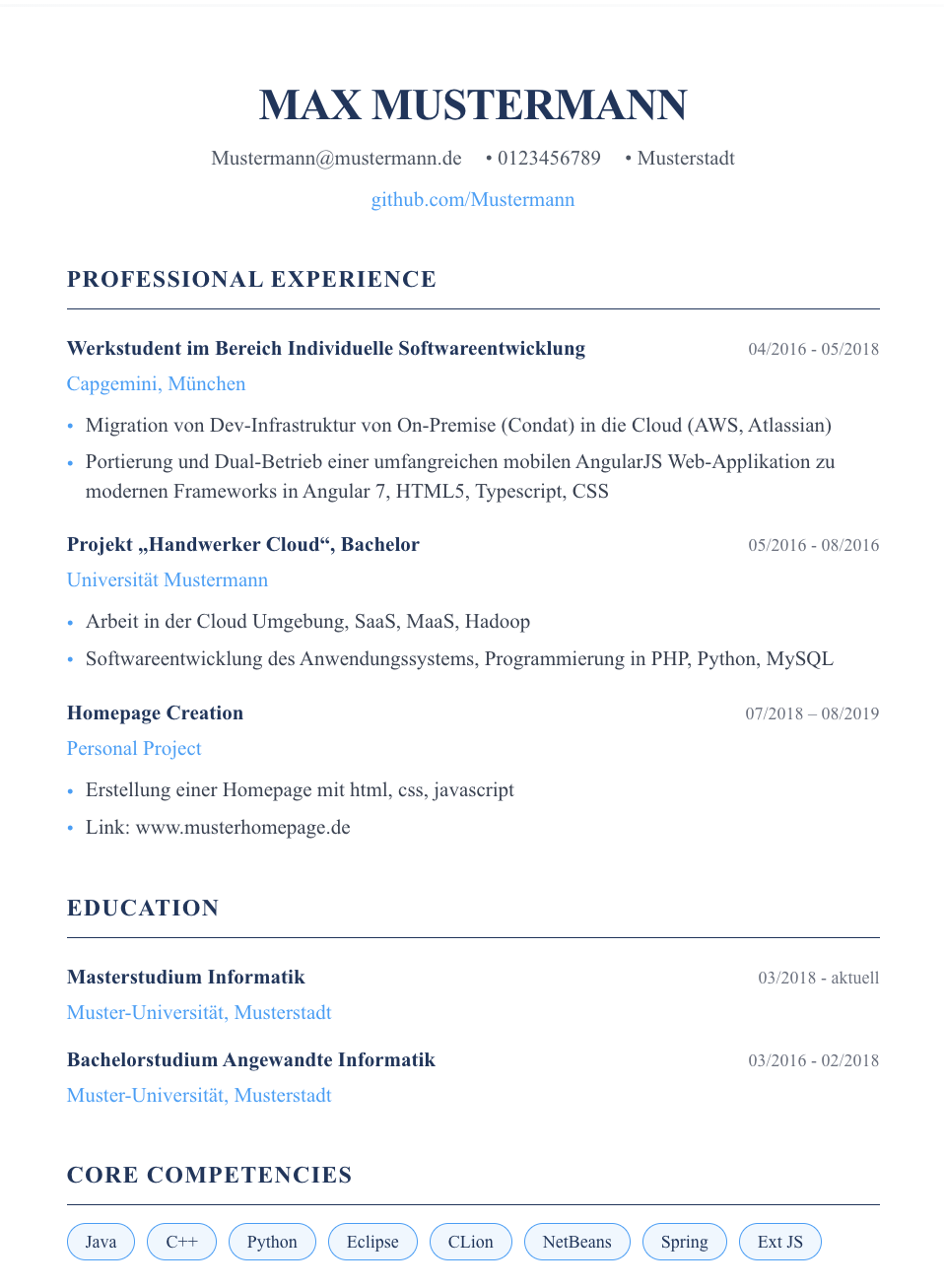
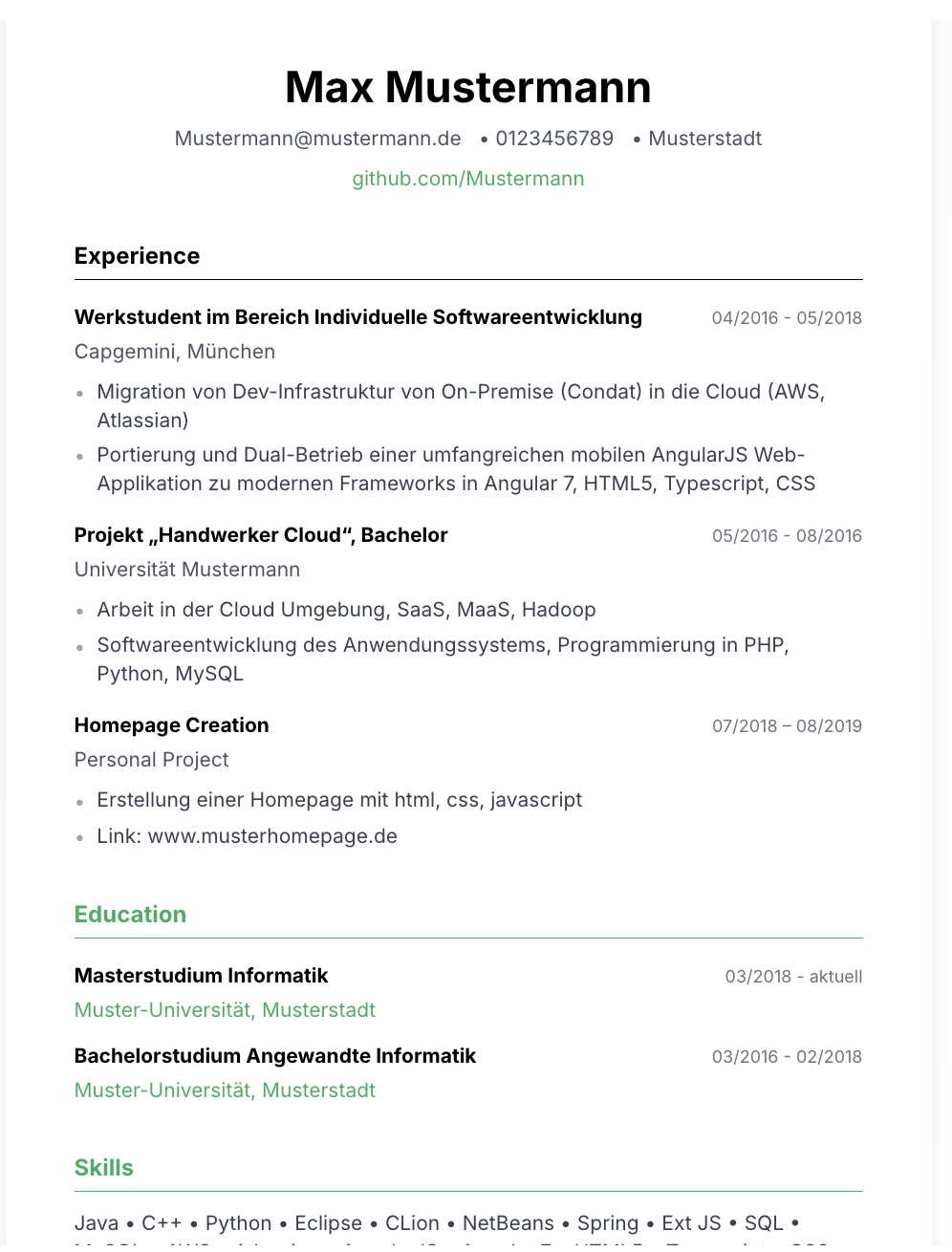
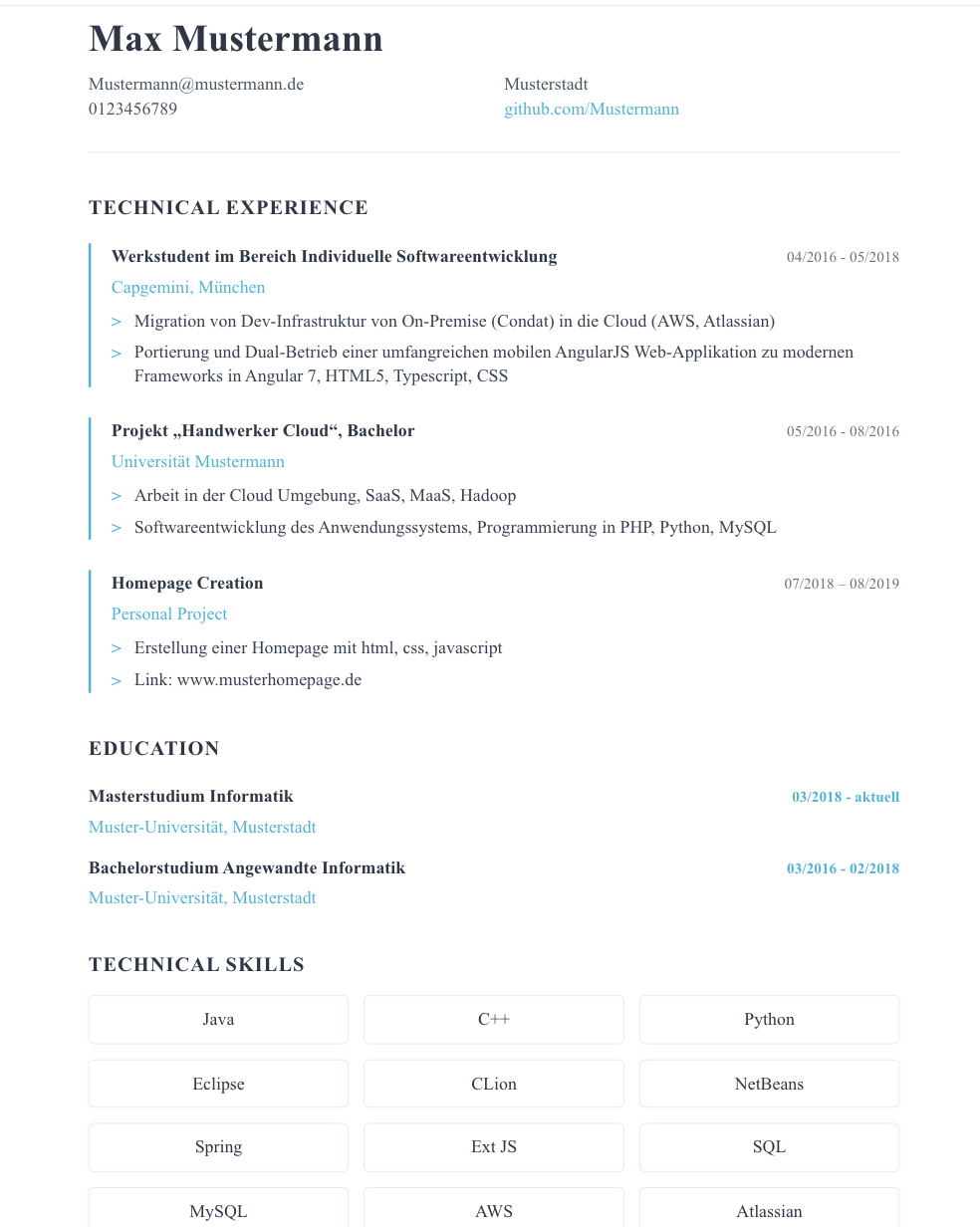
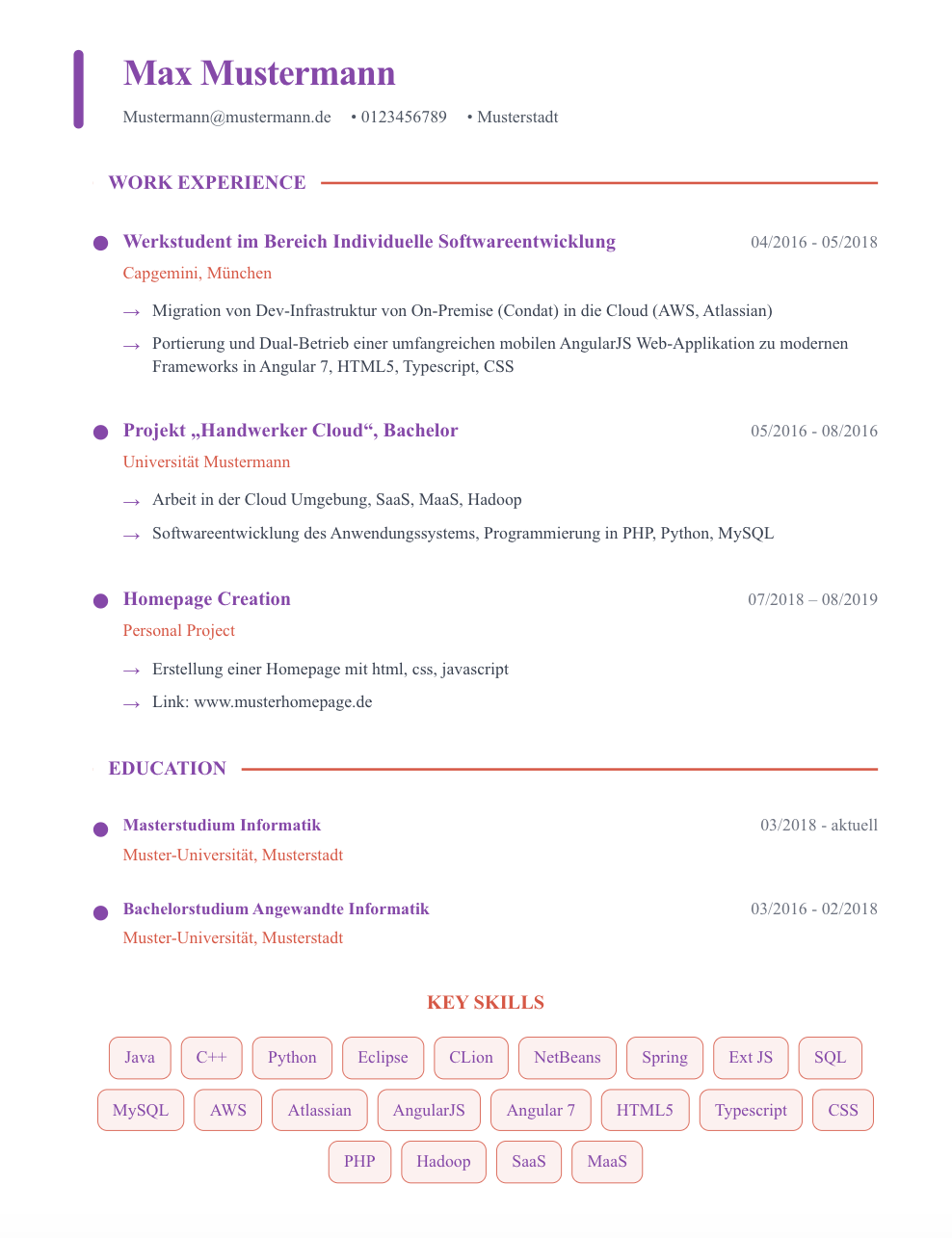
Subtle Visual Distinction
Thoughtful use of color accents and layout variation that catches the eye without overwhelming — professional creativity, not artistic chaos.
ATS Safe Creativity
Despite the visual flair, the underlying structure uses standard sections and single-column flow that ATS systems parse without issues.
Personal Brand Space
Dedicated areas for professional branding elements that help recruiters remember you among hundreds of applications.
Flexible Sections
Easily adaptable layout that accommodates portfolio links, speaking engagements, publications, and other creative accomplishments.
When to Use the Creative Template
The Creative template works best in industries where visual presentation signals competence: marketing, media, brand management, design leadership, and innovation roles. If the company you're applying to has a strong visual brand identity, showing that you understand design thinking — even in your resume — reinforces your fit.
It's also effective for startup environments where standing out from corporate candidates is an advantage. The Creative template says "I think differently" without saying "I'm unprofessional."
How to Fill It Effectively
Let the template's visual elements handle the memorability — your content should still be achievement-focused and data-driven. The worst mistake with a creative template is writing creative copy. Keep your bullets sharp and quantified; let the design do the creative work.
Use the visual accent areas to highlight your single most impressive metric or achievement. One number that sticks is worth more than ten bullets that blend together.
Build Your Creative Resume Now
Start with the Creative template and let AI help you write recruiter-ready content in minutes.
Try Resume Builder Free →